Navigation and Overview
Cyclone Manual - Navigation and Overview
⌘K
The navigation menu serves as the central hub for interacting with Cyclone. It allows the user to switch between the File Manager (Section 7), Queue System (Section 10), Code Editor (Section 11), Colour Schemes Manager (Section 17), Materials Manager (Section 18), Response Functions Manager (Section 19) and Settings (Section 20). The navigation window can be expanded and collapsed to suit the needs and preferences of the user. See Figure 1 and Figure 2.
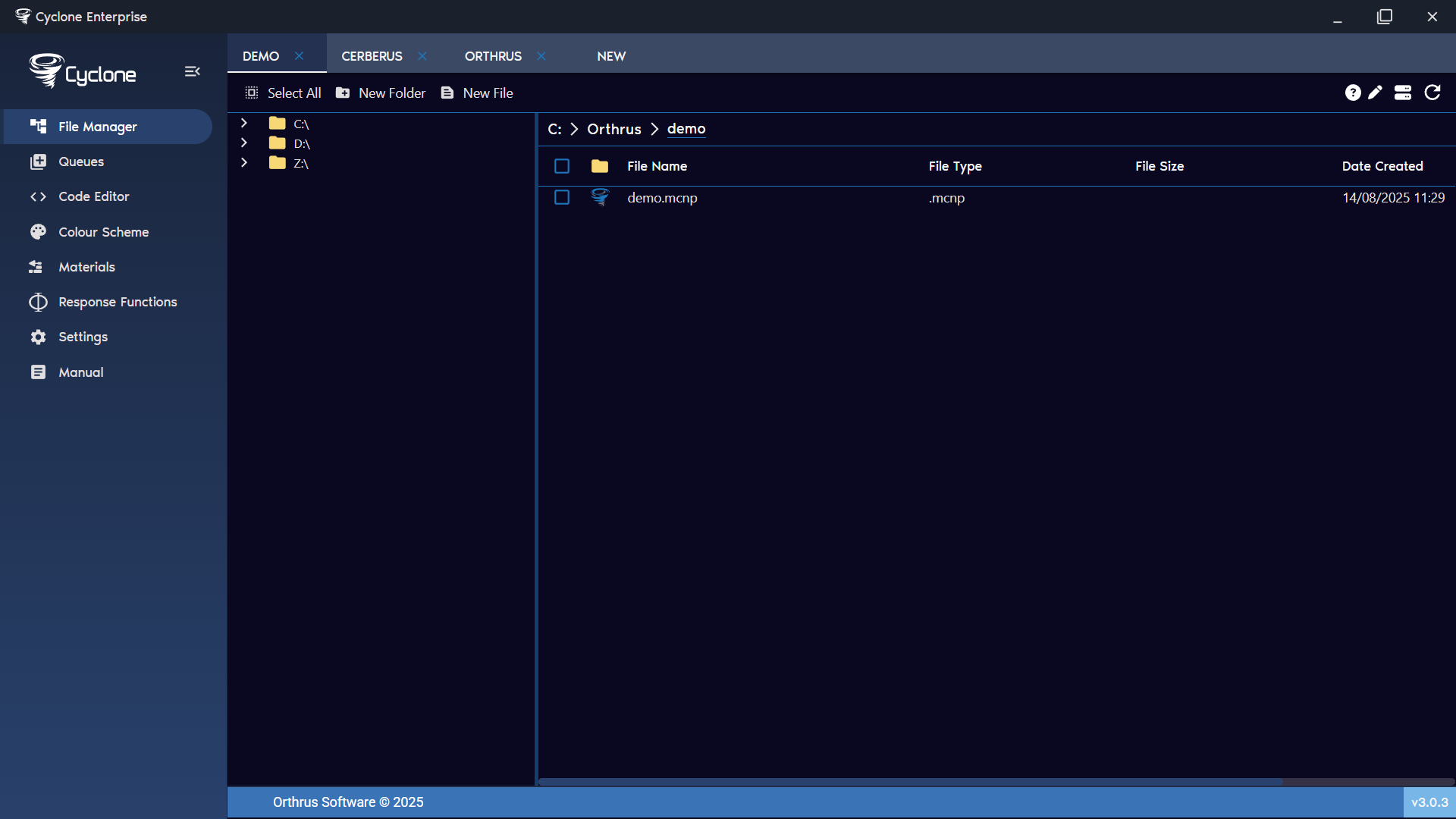
Figure 1: File manager expanded menu
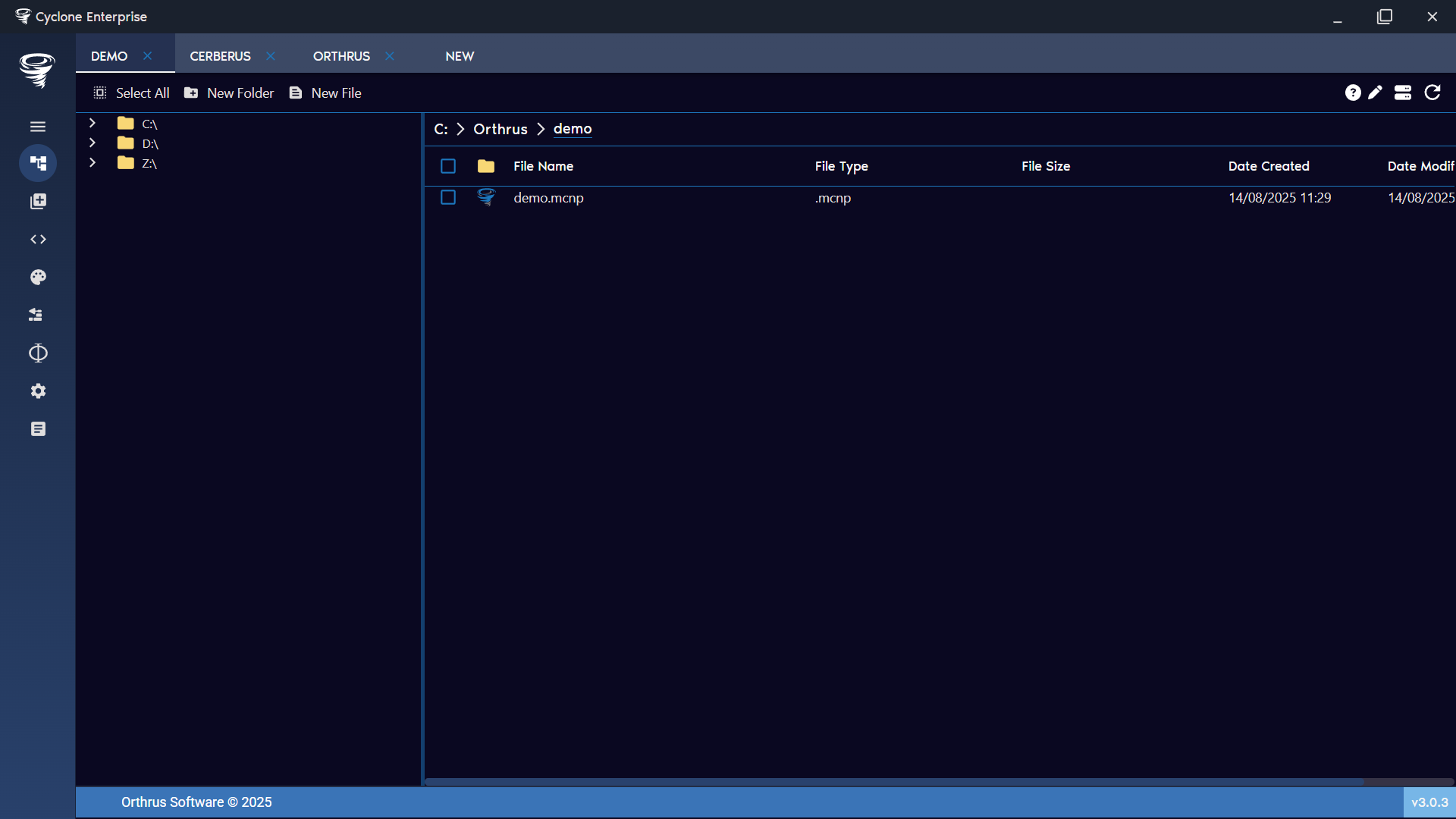
Figure 2: File manager condensed menu